Xbasic
Using AI to create an Image
Description
Generate project images using the AI tools in Alpha Anywhere by supplying a prompt and saving the resulting asset into your Web project folder.
Prerequisite
Ensure at least one AI IDE Settings profile is defined so the IDE can make AI requests.
Create An Image
Open AI Image Generator
From the AI menu, choose the option to create an image.
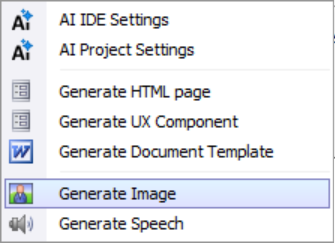 AI Menu For Image
Enter A Prompt
Type the prompt for your application. In this example we create an image for a zoo application.
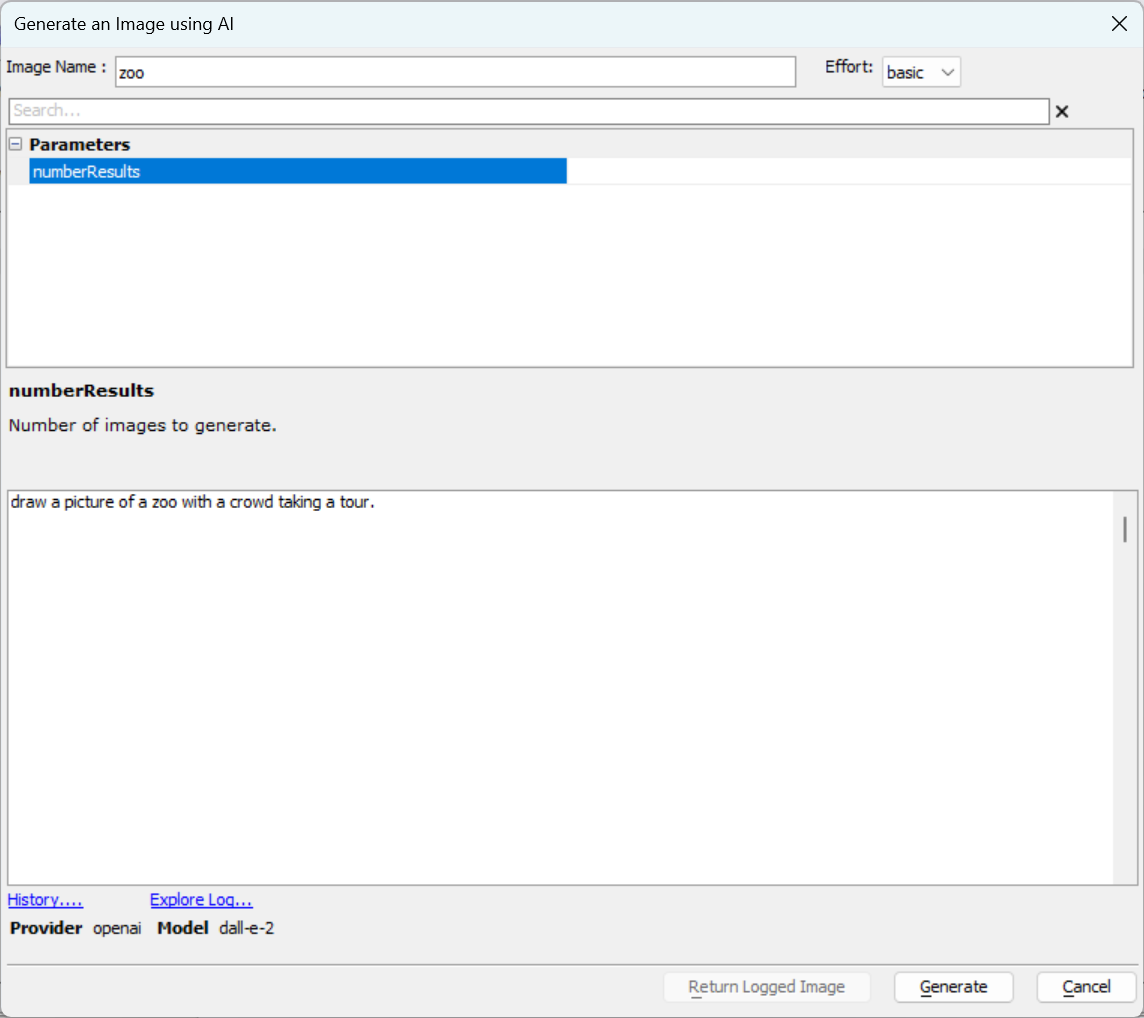 Zoo Image Prompt
Generate And Save
Click Generate. The created image is saved into the Web project folder for use in pages and components.
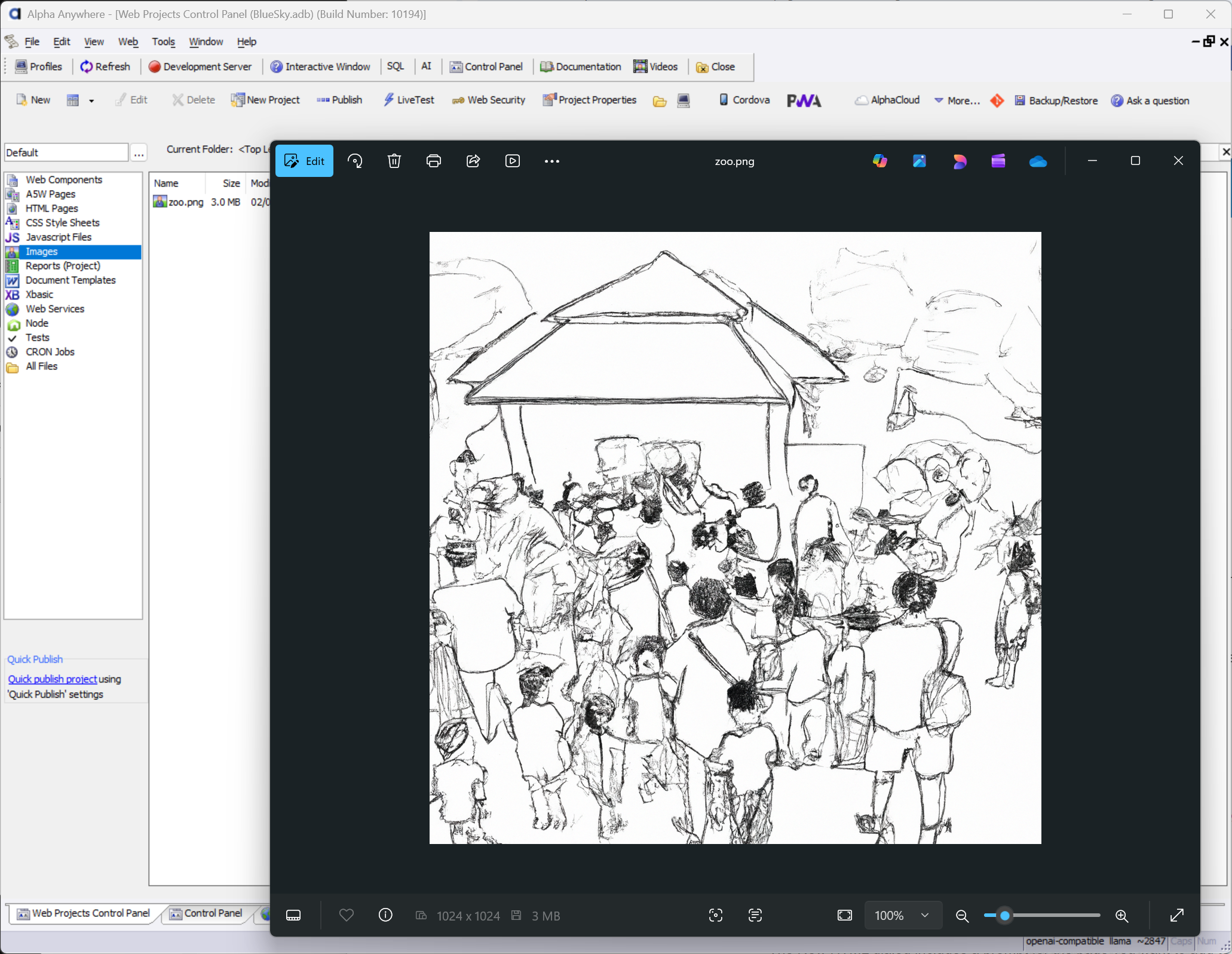 Generated Image Location